> For the complete documentation index, see [llms.txt](https://docs.syntho.ai/llms.txt). Markdown versions of documentation pages are available by appending `.md` to page URLs; this page is available as [Markdown](https://docs.syntho.ai/configure-a-data-generation-job/generation-and-validation/validate-and-synchronize-workspace.md).
# Step 1. Validate source db
This step checks whether your workspace still matches your **source database schema**.
Source schemas change over time. Tables can be added or removed. Column types can change. Constraints can be updated.
{% hint style="info" %}
Sync updates your **workspace** to match the source schema. It does **not** change data or schema in your source database.
{% endhint %}
{% hint style="warning" %}
Sync can remove or reset column generators when they become incompatible. Re-check your generator setup after syncing.
{% endhint %}
{% stepper %}
{% step %}
#### Open validation
Select **Generate** in the **Job configuration** panel.
Syntho opens the wizard on **Source Database Validation**.
Select **Validate** to compare your workspace schema against the source database.
This is the same action as that would be triggered when you select **Sync** in the top menu.
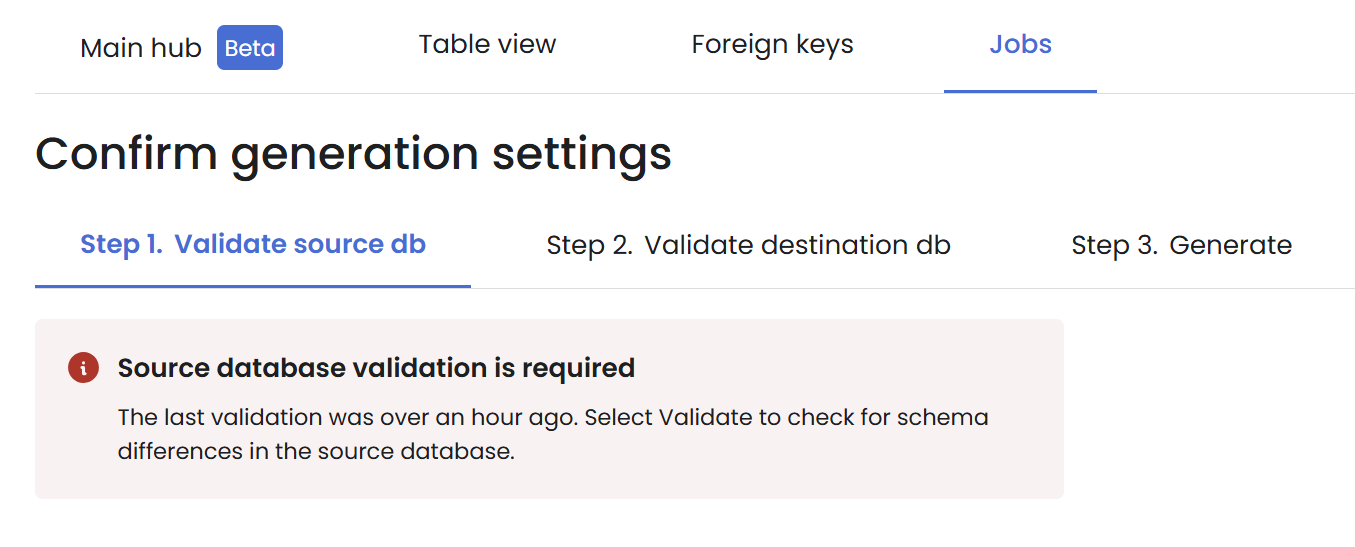
Validate detects schema drift. It does not apply changes.
Schema drift warning
{% endstep %}
{% step %}
#### Sync schema changes
Sync options
Pick one of these actions:
* **Apply and Continue** syncs your workspace immediately and keeps you in the wizard.
* **Review changes** opens **Table view** so you can inspect the schema changes and generator impact. Select **Apply** to sync or **Cancel** to discard.
{% hint style="warning" %}
Your workspace must be in sync to proceed with generation.
{% endhint %}
Review changes in Table view
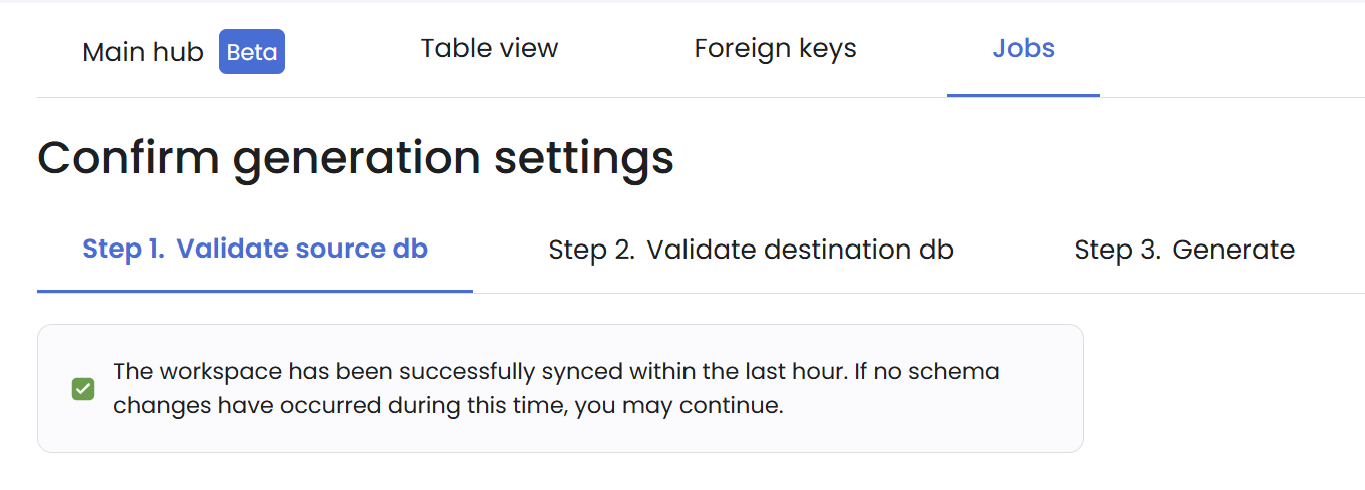
Successful validation after sync
{% endstep %}
{% step %}
#### Re-check your job settings
After applying any synchronization changes, quickly review:
1. Columns where generators were removed or changed.
2. Key or constraint changes that affect referential integrity.
3. Any excluded tables that now participate in foreign keys.
{% endstep %}
{% endstepper %}
### Source schema synchronization
If source schema issues are left unresolved, your generation job can fail at runtime.
Syntho can automatically identify and sync the following schema changes.
Source table changes
1. The primary key of the table has changed.
2. The primary key of the table has been removed.
3. A primary key has been added to the table.
4. A foreign key has been removed from the table.
5. A foreign key has been added to the table.
6. The unique constraints for the table have been updated.
7. The check constraints for the table have been updated.
8. The table was removed.
9. The table was added.
Source column changes
1. The data type of the column has been updated.
2. The column is now auto-incrementing.
3. The column is not auto-incrementing anymore.
4. The maximum value of a column has changed.
5. The maximum length of a column has changed.
6. The default of the column has been updated.
7. The column is non-nullable now.
8. The column is now nullable.
9. The column is not unique anymore.
10. The column is now unique.
11. The column is not part of the primary key anymore.
12. The column is now part of the primary key.
13. The column is not part of a foreign key anymore.
14. The column is now part of a foreign key.
15. The column is not part of a composite unique constraint anymore.
16. The column is now part of a composite unique constraint.
17. The generator of the column has been removed.
18. The column was removed.
19. The column was added.
**Next:** continue to [Step 2. Validate destination db](/configure-a-data-generation-job/generation-and-validation/validate-and-synchronize-workspace-1.md).
---
# Agent Instructions
This documentation is published with GitBook. GitBook is the documentation platform designed so that both humans and AI agents can read, navigate, and reason over technical content effectively. Learn more at gitbook.com.
## Querying This Documentation
If you need additional information that is not directly available in this page, you can query the documentation by asking a question.
Perform an HTTP GET request on the following URL with the `ask` and `goal` query parameters:
```
GET https://docs.syntho.ai/configure-a-data-generation-job/generation-and-validation/validate-and-synchronize-workspace.md?ask=&goal=
```
`ask` is the immediate question: it should be specific, self-contained, and written in natural language.
`goal` is what the user is ultimately trying to achieve, the reason they need the answer. Sharing it helps GitBook give you a better, more relevant answer. A goal is most helpful when it describes the outcome the user wants rather than restating the question. For example, with `ask=how do I create an API token`, a goal like `automate deployments from our CI pipeline` lets GitBook tailor the answer to that use case.
The response will contain a direct answer to the question and relevant excerpts and sources from the documentation.
Use this mechanism when the answer is not explicitly present in the current page, you need clarification or additional context, or you want to retrieve related documentation sections.