

Step 2. Validate destination db
This step checks whether Syntho can safely write your workspace to the destination database.
Validate compares the destination schema against your workspace for included tables.
Validate inspects schema only. It does not write any data.

Database preparation and high performance writing
These settings control how Syntho prepares the destination and optimizes write performance. They can significantly speed up large jobs.

Destination database preparation
Resets the destination into a clean state before writing. This reduces conflicts and write errors.
Data truncation for included tables Truncates (empties) all included tables before writing new data.
High performance writing
Temporarily bypasses constraints and indexes to speed up inserts.
Bypass foreign key constraints Drops foreign key constraints during the write to avoid FK-related errors and speed up inserts. Syntho attempts to re-add them after writing.
Bypass indexes Drops indexes before writing and attempts to recreate them afterward. This can greatly reduce write time for large tables.
Identity writing Temporarily disables identity/auto-increment behavior so Syntho can write explicit values. Identity behavior is restored after writing.
Bypassing foreign key constraints applies to all tables, including excluded ones.
These options require sufficient database permissions (truncate, drop/recreate constraints, drop/recreate indexes). If your user cannot perform these actions, keep them disabled.
Destination db validation
Select Validate to compare your destination schema against your workspace. Validation results are grouped into issues and warnings.
Issues must be fixed before you can generate.
Warnings might still let you generate, but can fail at runtime.

Validation checks included tables only. Excluded tables can still be affected by some write optimizations.
Table issues:
Table issues will cause your synthetic data job to fail. The following issues in your destination database may occur:
Table does not exist. To resolve this issue:
Make sure that the schema names in the source and destination database match, and
Add a table with the exact same name to your destination database.
Table has PK columns that are not in source.
To resolve this issue:
Remove any primary key constraints in the destination schema that do not exist in the source schema. Ensure that primary keys align across both schemas to avoid conflicts.
Table has FK columns that are not in source.
To resolve this issue:
Remove any foreign key constraints in the destination schema that do not exist in the source schema. Confirm that foreign key relationships are consistent with the source schema to maintain referential integrity.
Table warnings:
Table warnings do not automatically cause your synthetic data job to fail, but could still cause issues. The following warnings in your destination database may occur:
Table already contains data. To resolve this warning:
Truncate the table in the destination database.
Table is part of a circular reference. To resolve this warning:
Disable (or remove) any foreign key constraint(s) to break the circular reference.
Column issues:
Column issues will cause your synthetic data job to fail. The following issues in your destination database may occur:
Column does not exist. To resolve this issue:
Add a column with the exact same name in the table in your destination database.
Extra column is non-nullable and without a default value.
To resolve this issue:
Either make the extra column nullable or set a default value in the destination schema. Alternatively, remove the column if it is unnecessary to ensure successful data generation.
Table has not-nullable columns that are not in source.
To resolve this issue:
Remove or adjust any not-null constraints in the destination schema that do not exist in the source schema. Ensure that not-null constraints are aligned between the source and destination schemas to prevent conflicts.
Column warnings:
Column warnings do not automatically cause your synthetic data job to fail, but could still cause issues. The following warnings in your destination database may occur:
Column has mismatching data types. To resolve this warning:
Change the data type of the destination column to match the data type of the source column.
Column has a uniqueness constraint that is not in the source. To resolve this warning:
Remove the unique constraints from the destination.
Column has a check constraint that is not in the source. To resolve this warning:
Remove the check constraints from the destination.
Column has missing default value. To resolve this warning:
Ensure that the default value set on the column in the source database is also set in the destination database.
Destination has composite unique constraints that are not in source.
To resolve this warning:
Remove any composite unique constraints in the destination schema that are not defined in the source schema. This will help prevent potential unique constraint violations.
Column maximum value is lower than source.
To resolve this warning:
Increase the maximum value limit in the destination column to match or exceed the source column's maximum value. This will ensure that all data values fit within the destination schema without truncation.
Column maximum length is lower than source.
To resolve this warning:
Increase the maximum length of the destination column to match or exceed the length in the source column. This will prevent potential data truncation and ensure consistency between source and destination schemas.
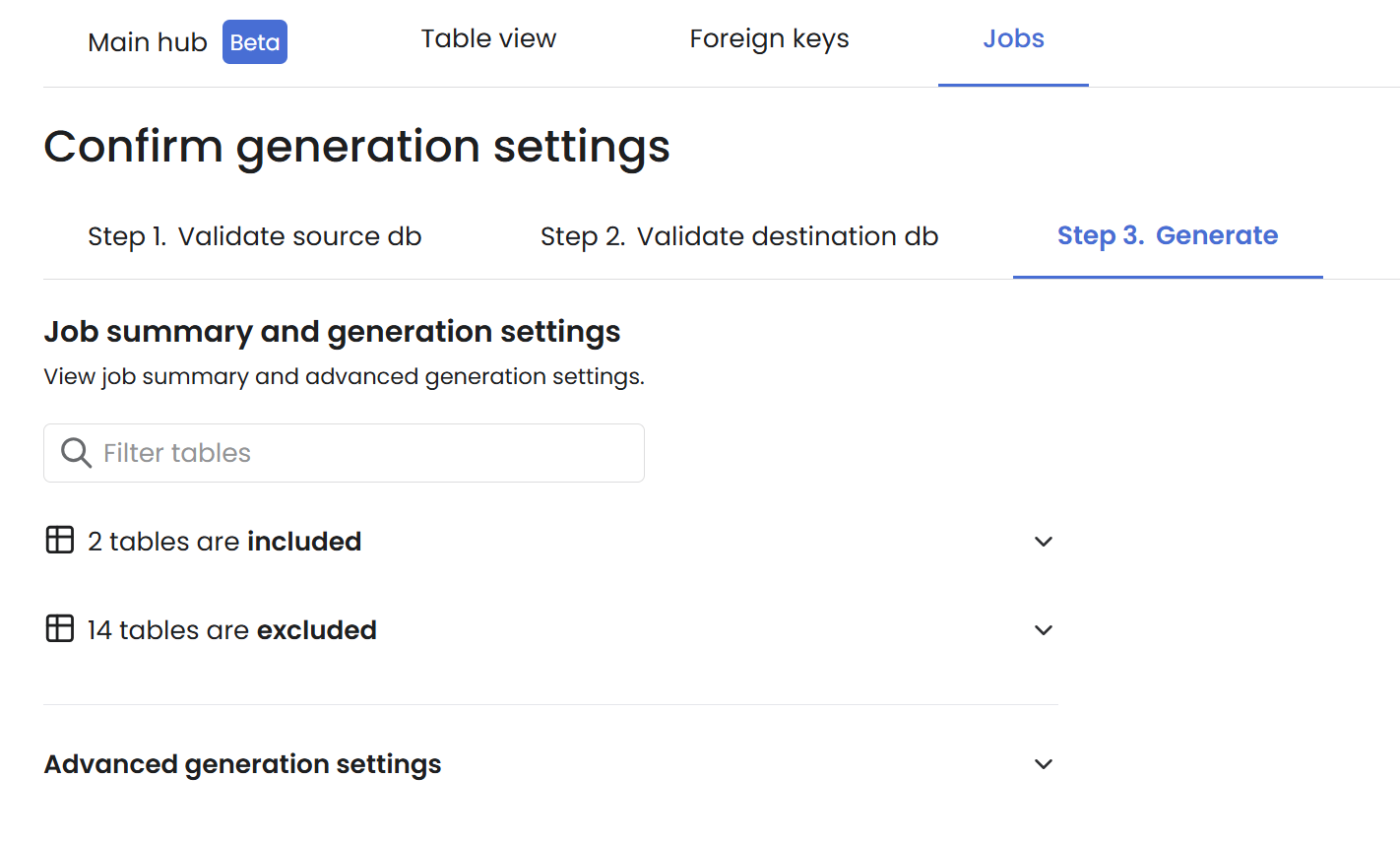
Next: continue to Step 3. Generate.
Last updated
Was this helpful?